



تفاصيل
SAMSUNG
Features
Defy Reality. Conquer All.
Top 3 Features
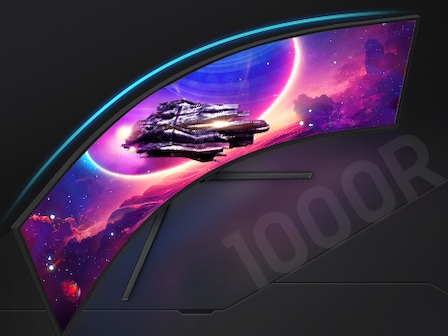
The world’s first dual UHD monitor
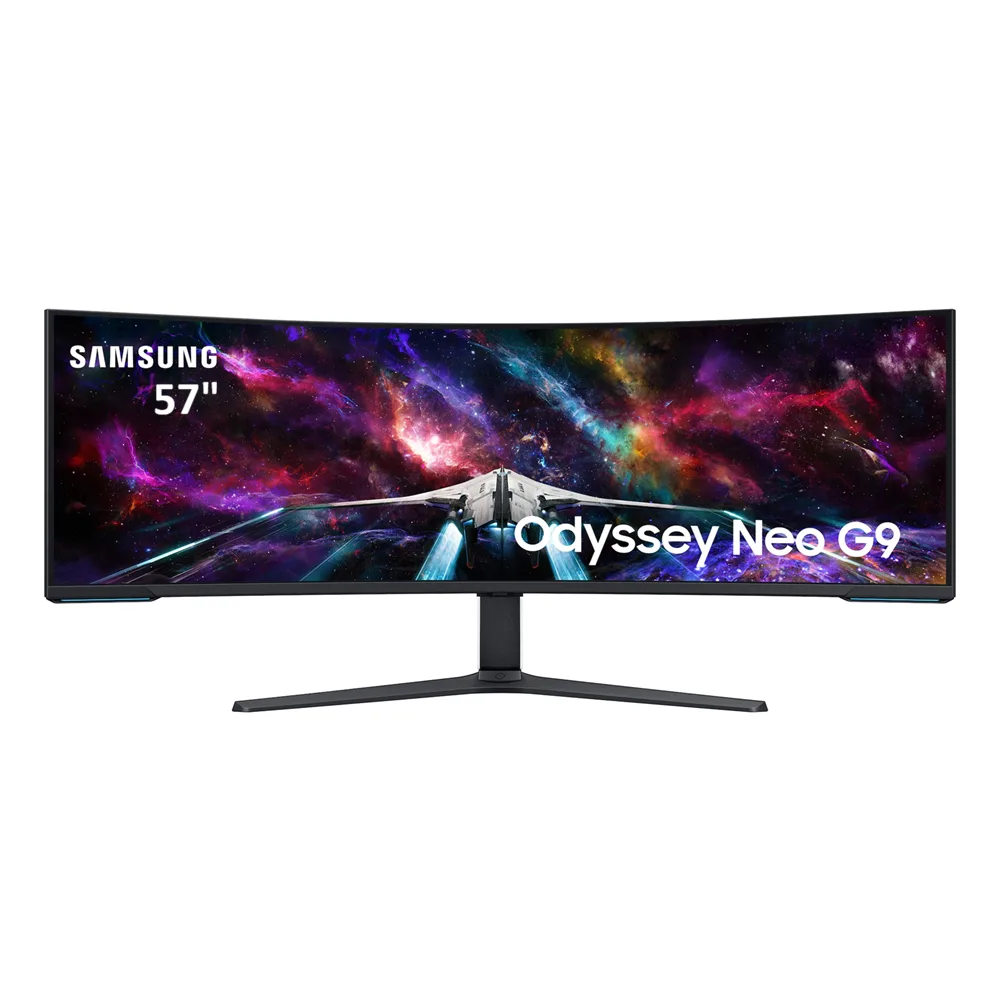
Live in games that feel more real than the outside world. The world’s first dual UHD monitor wraps around you with a super-wide 57″ screen and 1000R curvature.
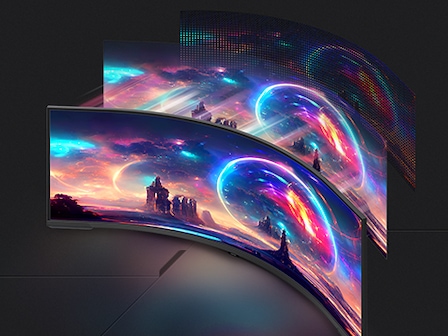
Spellbinding visual quality
The power of Quantum Mini-LED and HDR 1000 bring astounding levels of visual accuracy, definition and brightness. So even the smallest details feel real.
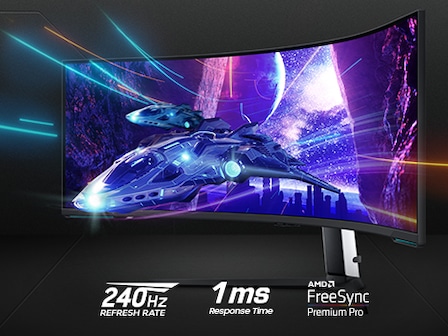
Electrifying Speed
One misstep can be the difference between victory and defeat. With a 240Hz refresh rate, 1ms response time(GtG) and FreeSync Premium Pro, prepare to win.
* For full DUHD and 240Hz support, the graphics card being used must support DP 2.1 (UHBR 13.5 and above) or HDMI 2.1 (FRL 12Gbps). Actual specifications and support may vary by graphics card.
A groundbreaking new visual experience
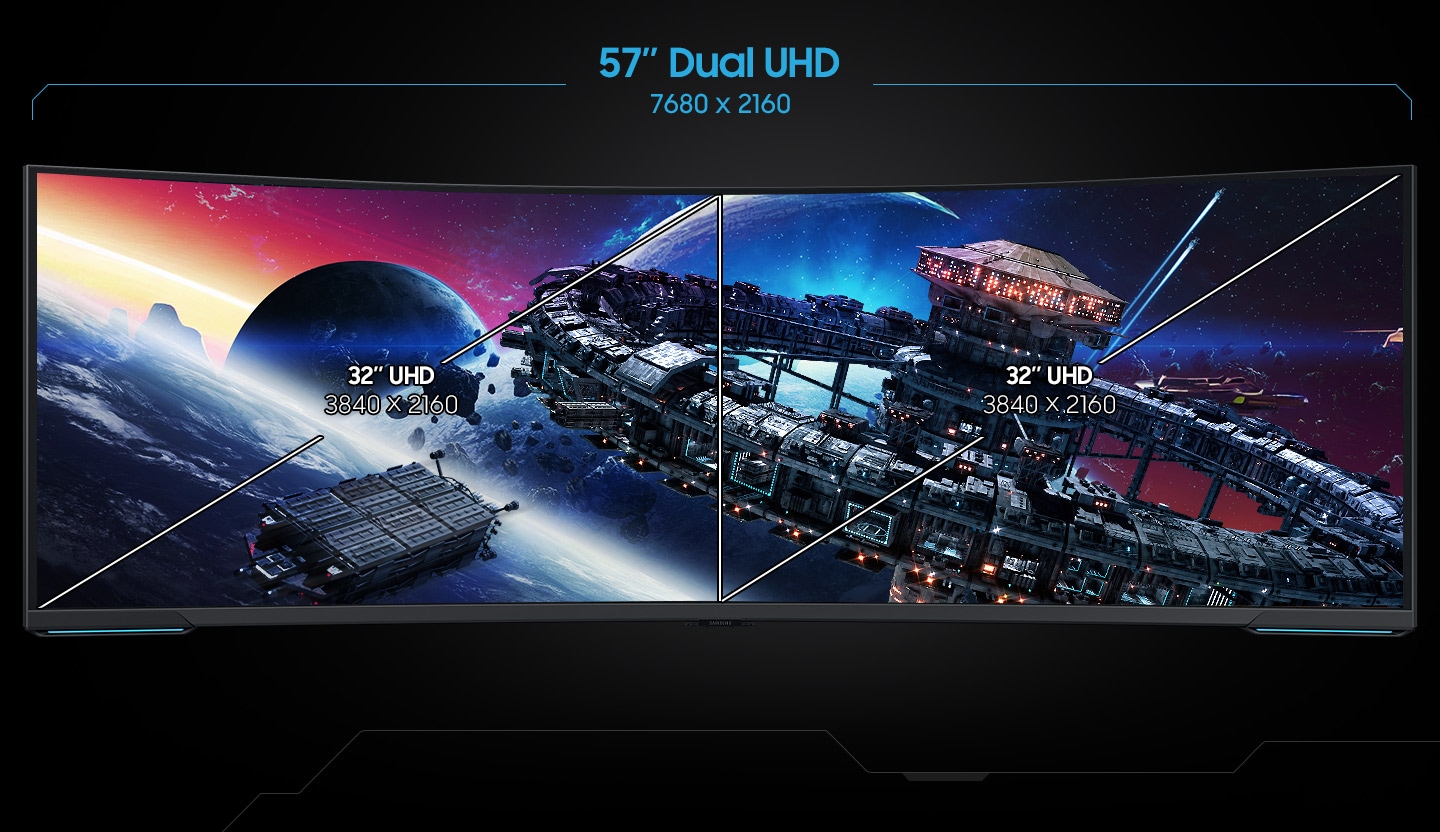
The world’s first dual UHD monitor
Gaming worlds feel more real. The 57″ DUHD resolution brings you a display as wide as two UHD monitors, with incredibly detailed, pin-sharp images and a wide field of view. See more of the action, and act with conviction knowing you won’t miss a thing.

Wrap yourself in adventure
1000R curved screen
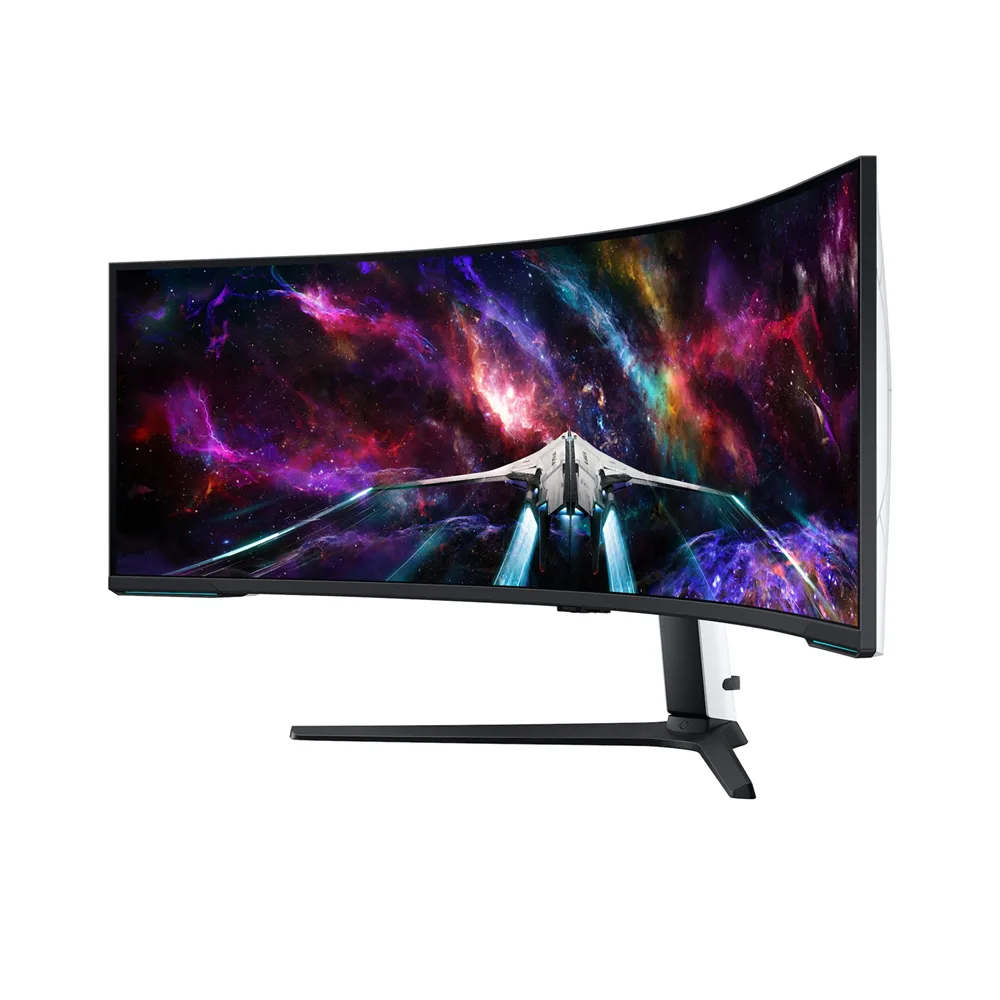
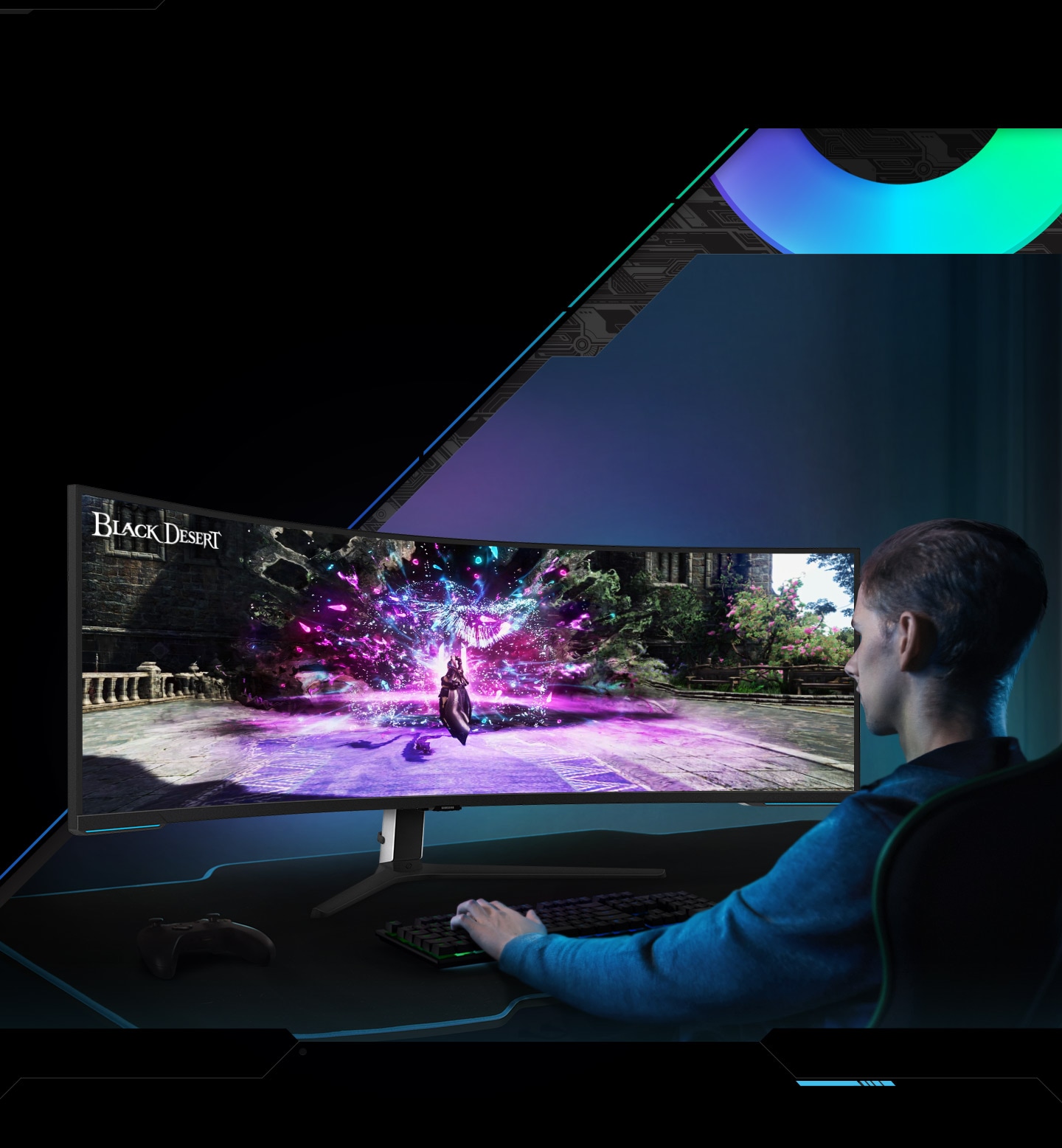
Vivid scenes wrap even more tightly around you. Experience the next level of heart-pounding gaming with even more intensity. The 1000R 57-inch super ultra-wide display fills your peripheral vision and draws you into the character’s shoes.

Sharper visuals with densely packed pixels
140 PPI
Don’t sacrifice detail, even with a larger screen. More pixels per inch gives you the level of clarity you need to pick up on the small, but significant, details across the 57″ Odyssey Neo G9 screen.

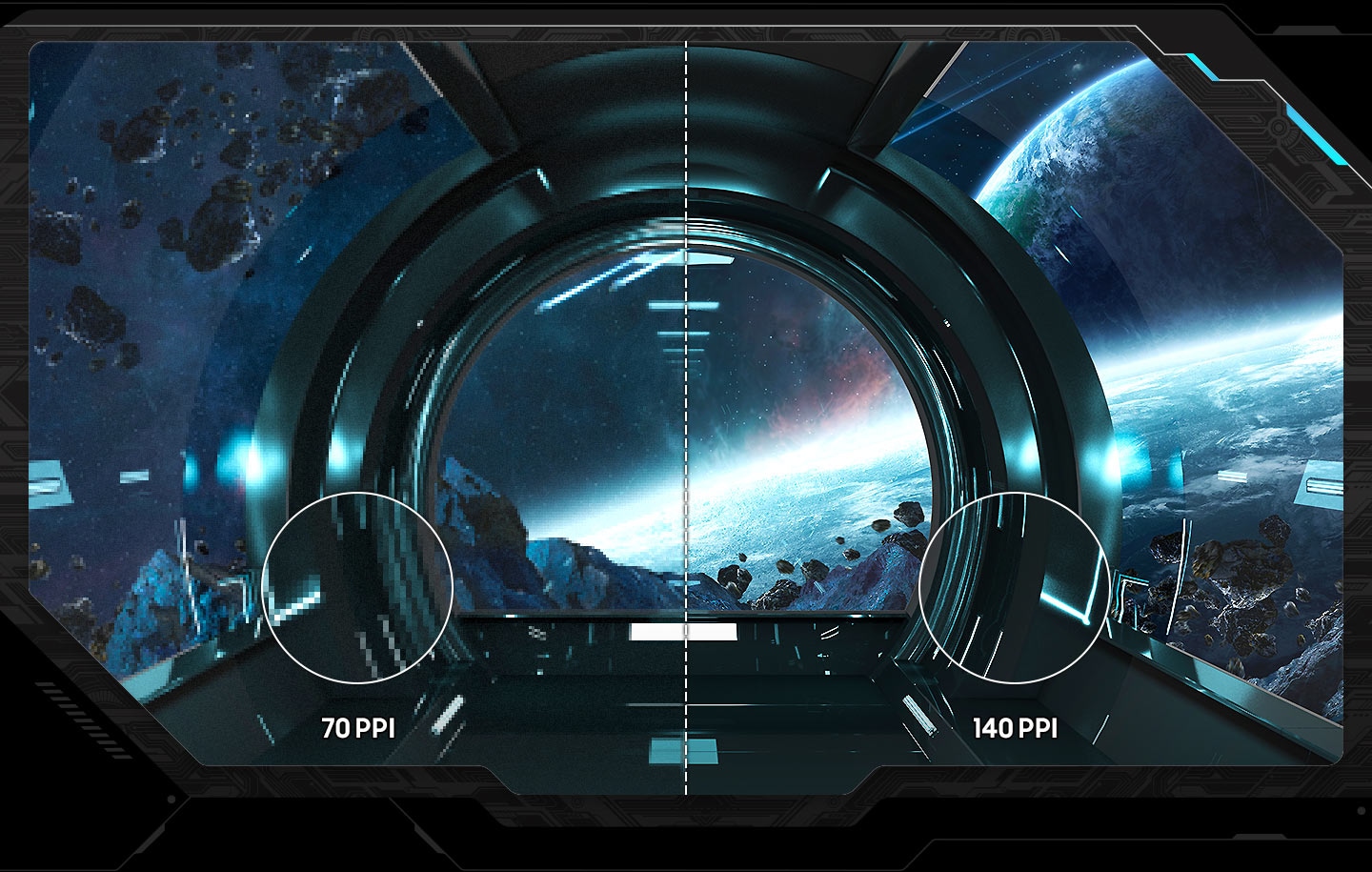
* Image simulated for illustrative purposes.
The pinnacle of video visuals
Quantum Matrix Technology
An unrivaled visual experience. Revolutionary Quantum Matrix Technology with Quantum Mini LEDs creates controlled brightness and improved contrast for refined definition. 2,392 local dimming zones combine with the highest 12-bit black levels to create unmatched picture quality.

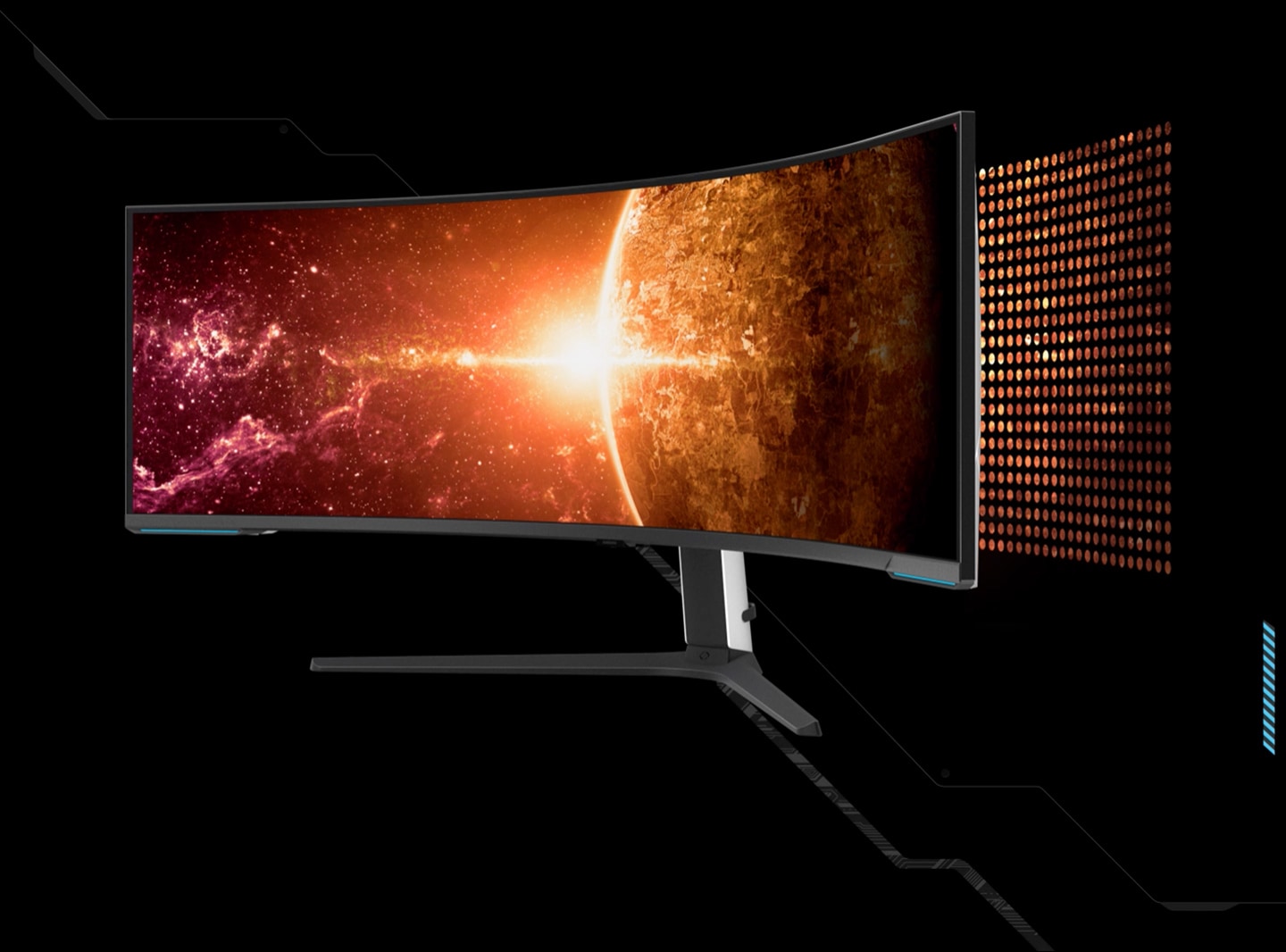
A monitor is divided into two sections to compare the amount of dimming zones between Edge LED and Quantum Mini-LED. On the left side, it reads \”Edge LED\” and the screen is divided into sections horizontally, saying \”10 Local dimming zone.\” The right side reads \”Quantum Mini-LED\” and shows the screen with many dots throuhgout the screen, reading \”2392 Local dimming zone.\” The dimming zones light up.The Odyssey Neo G9 turns 45 degrees and shows a horizon lit by a star from behind the planet, and space off to the left of the planet. Dots emerge from behind the monitor and flow light into the monitor, to represent the Quantum Mini LEDs that light the screen.
Catch the detail, defeat your enemies
VESA DisplayHDR 1000
See every detail in all its glory. From gloomy shadows to sun-scorched scenes, 1,000 nit peak brightness and 1,000,000:1 contrast ratio enable enhanced color expression and depth. Get a competitive edge by spotting enemies trying to hide in dark corners.

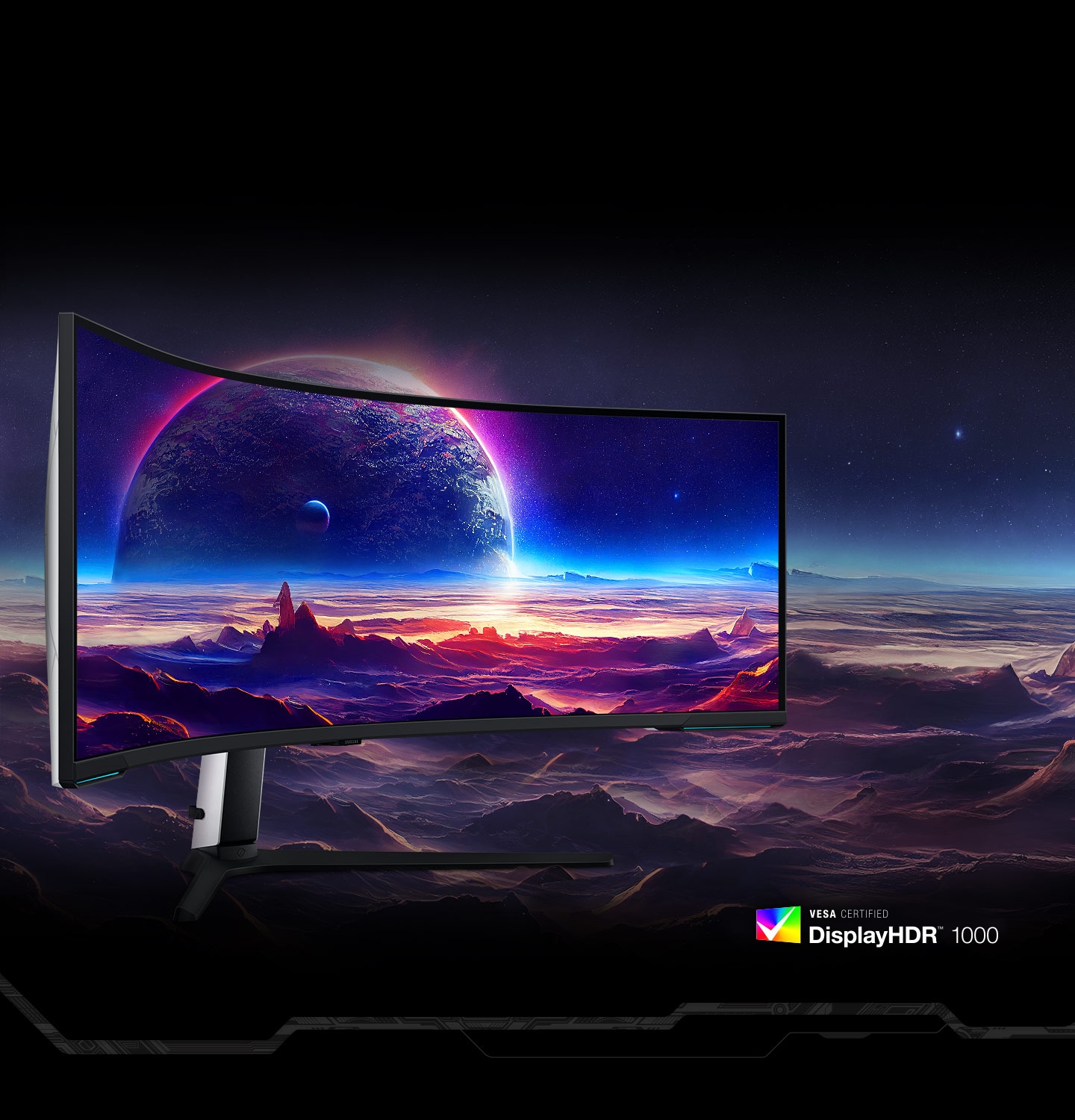
New levels of speed to give you the edge
240Hz & 1ms(GtG) with DP 2.1 input
Conquer every enemy with extreme speed. A 240Hz refresh rate reduces lag for ultra-smooth action. Game with precision with a 1ms response time(GtG), less blur, and minimized ghosting. All new DisplayPort 2.1 support provides the same blazing performance in DUHD with variable refresh rates.
*For the world’s first full DUHD and 240Hz ultra high performance support, the graphics card being used must support DP 2.1 (UHBR 13.5 and above) or HDMI 2.1 (FRL 12Gbps). Actual specifications and support may vary by graphics card. Please refer to your graphics card specifications for more details.
** “1 ms” means one milliseconds which is the range of avg. response time between 1.00ms to 1.99ms truncated to whole number.
*** Based on GtG measured under internal test conditions. Results may vary by content and monitor settings (requires ‘Extreme mode’ setting).
**** GtG (Gray to Gray) measures the time taken for a monitor pixel to change from one gray value to another.

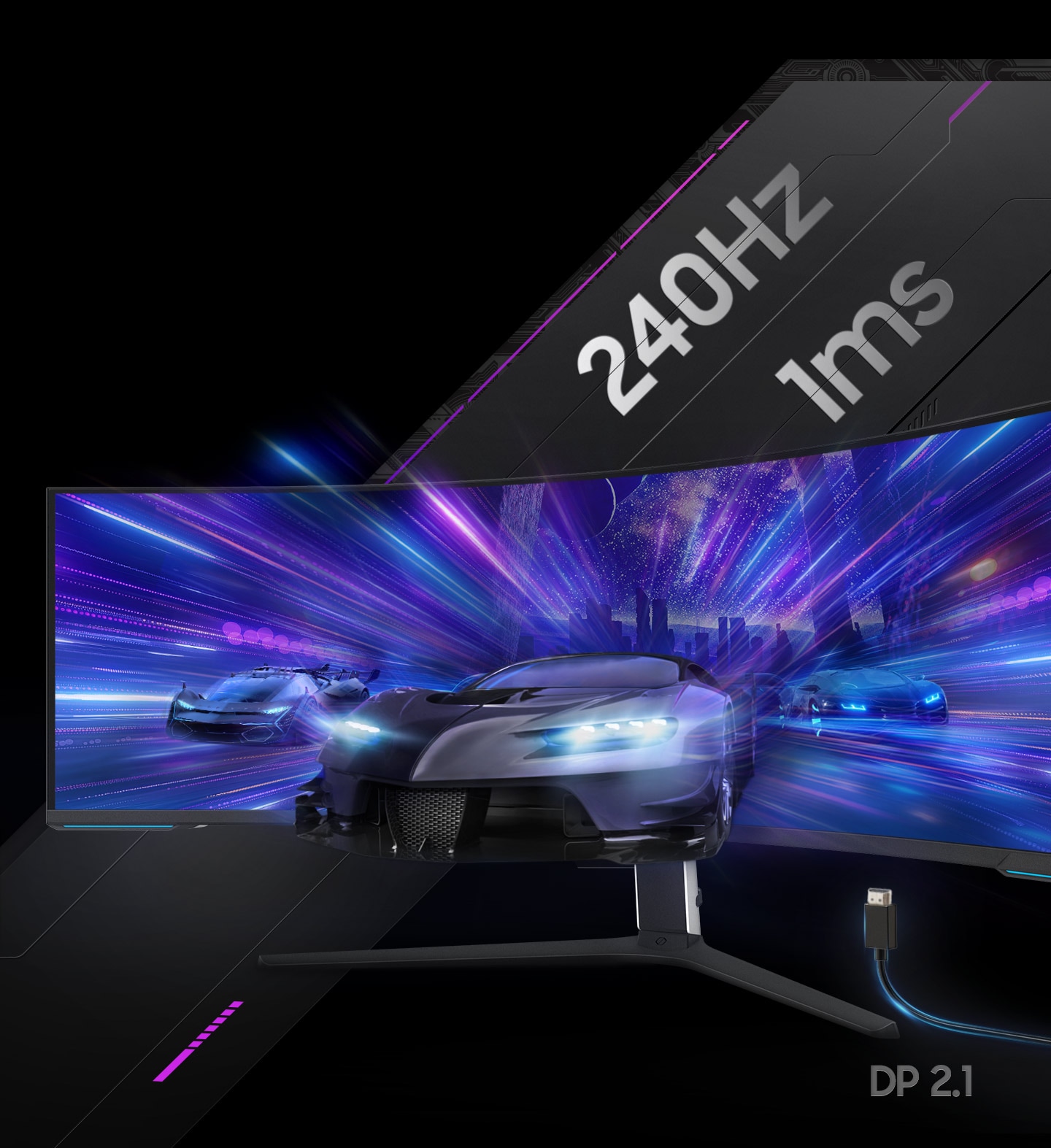
Immerse yourself in smooth action without disruption
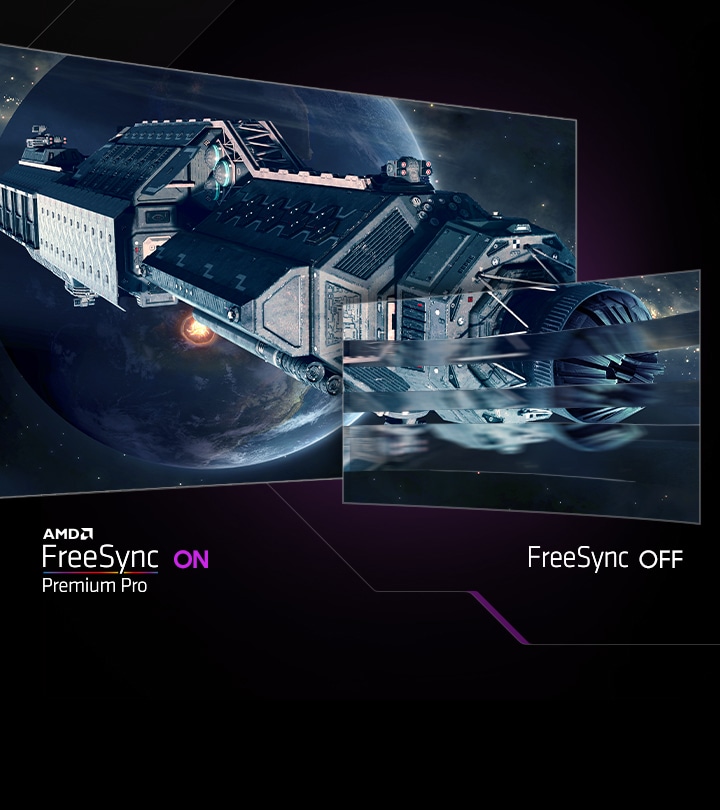
AMD FreeSync Premium Pro
Hyperfast action made seamless. Complex and fast-moving game scenes are projected smoothly and stutter-free with AMD FreeSync Premium Pro to power your competitive edge.
*Image simulated for illustrative purposes.
**AMD FreeSync Premium Pro is supported by Radeon Rx 200 graphic cards and subsequent models.

Your station your way


Connect more to enjoy more
Versatile connectivity
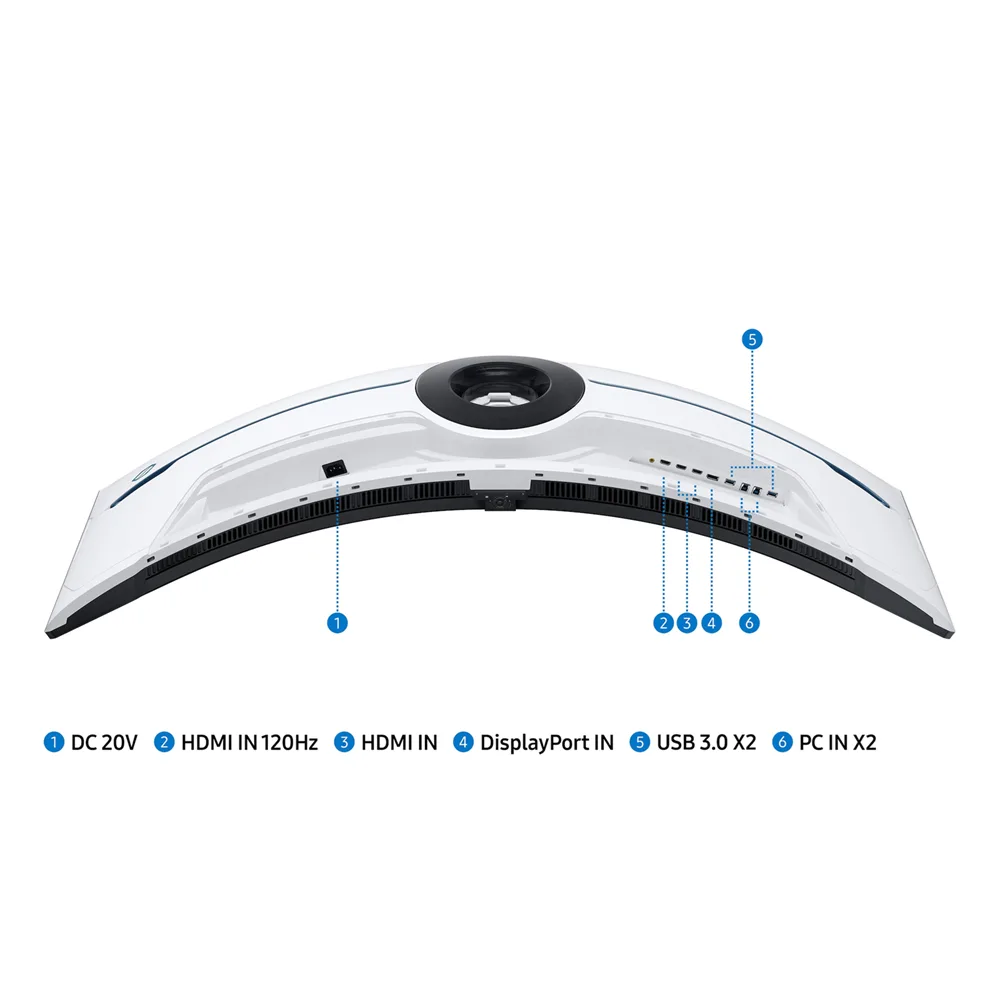
Tap into a multitude of input options. DisplayPort 2.1, HDMI 2.1 and USB Hub let you hook up to your favorite devices to elevate your game with no mess.


Make the most of every moment
Picture-by-Picture
Game, watch, chat—all at the same time. With PBP, view video, picture or data from two sources simultaneously in their native resolution. Use PIP to resize the second source to up to 25% of the screen.
Designed to magnify your immersion
CoreSync & Core Lighting+
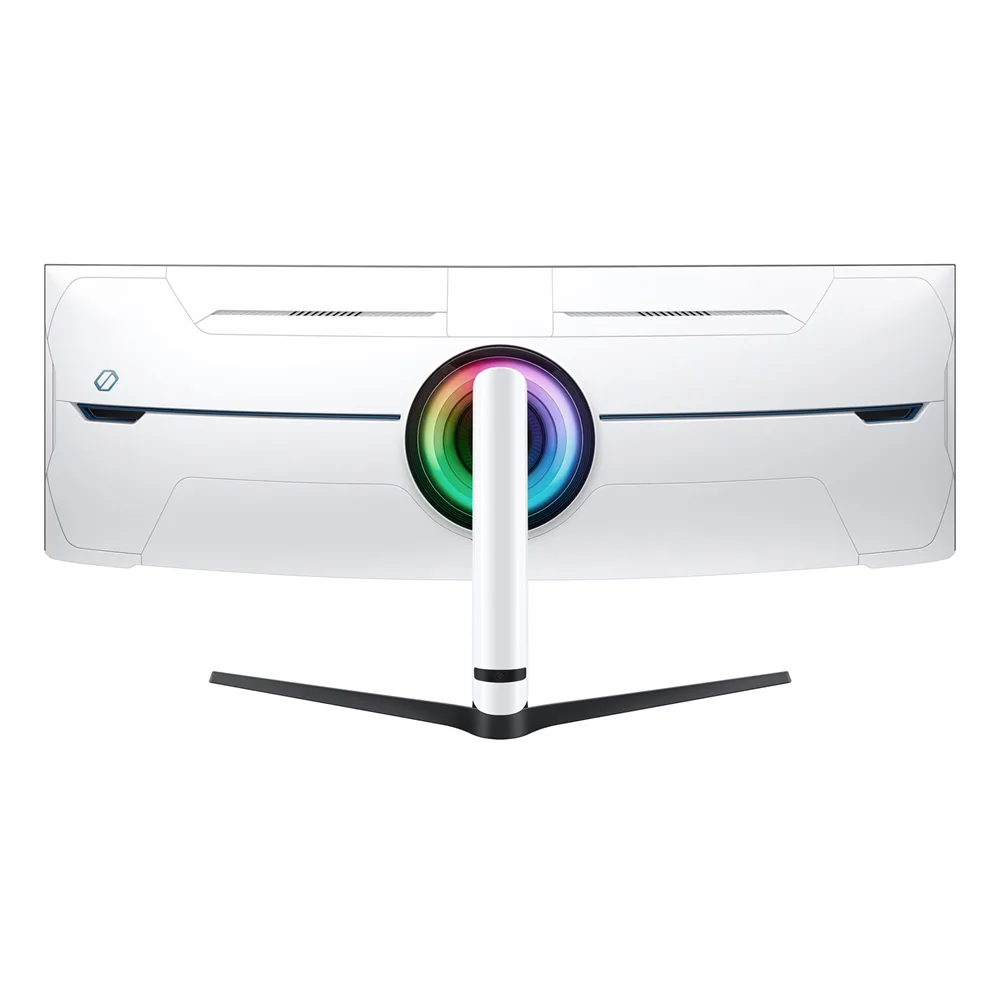
Enhance the space around your screen. With CoreSync technology, a game’s on-screen colors are projected into your real world to further immerse you into the setting. With new Core Lighting+, add amazing color to your setup for an instant vibe shift.

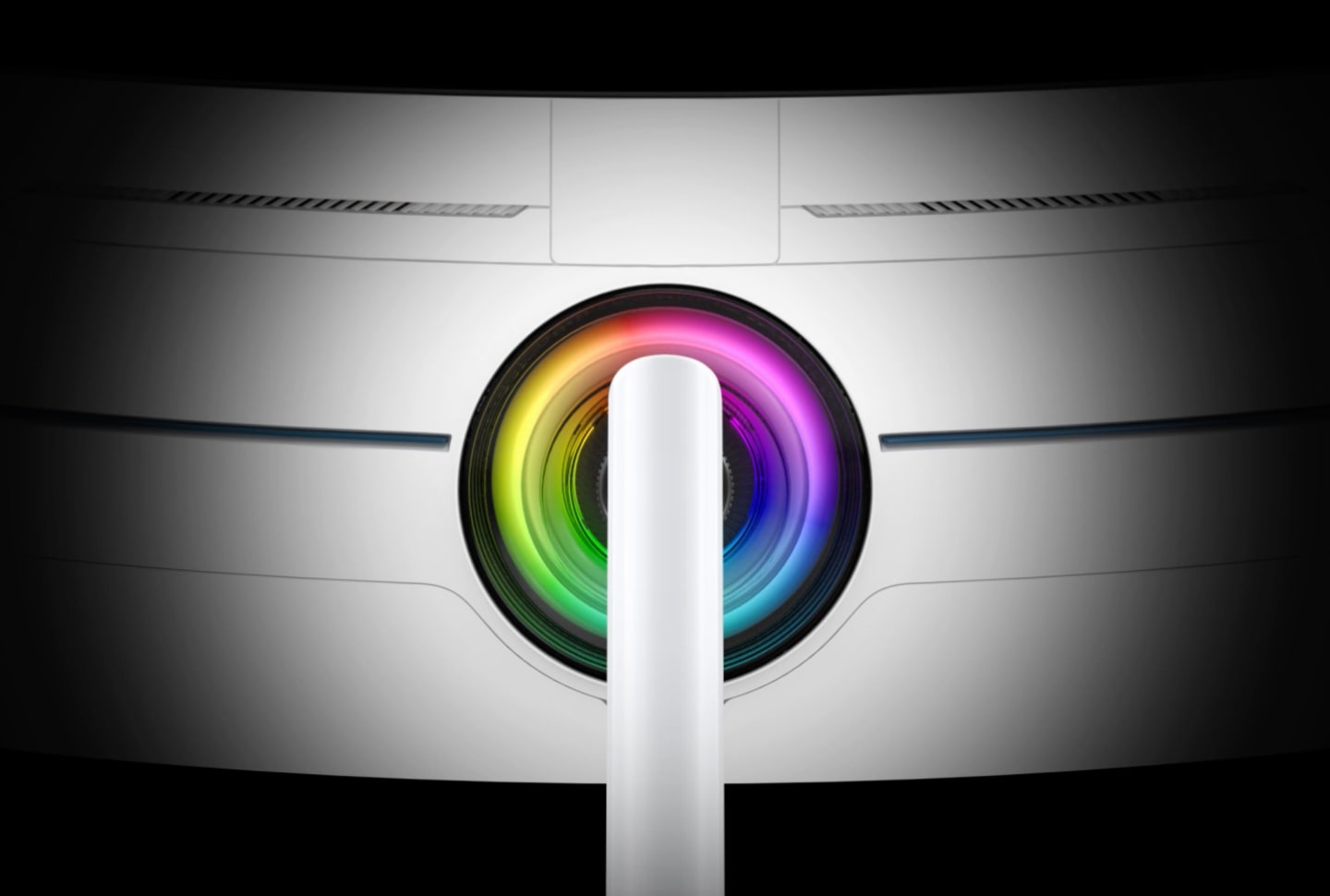
A closeup of the back of an Odyssey monitor is shown and a rainbow ring of lighting rotating clockwise.
Extend winning streaks in comfort
Ergonomic Stand
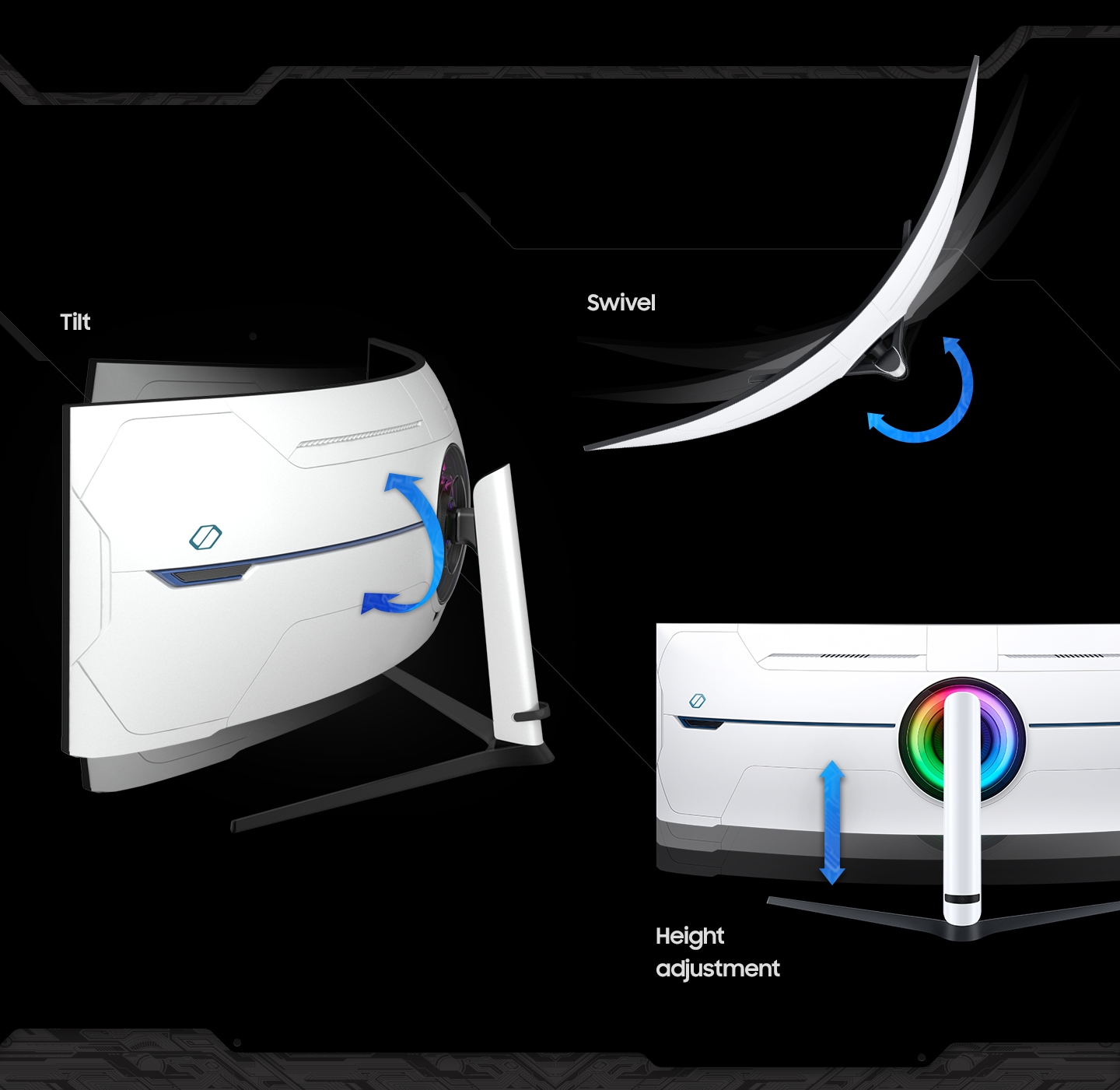
Find your winning position. Swivel, tilt, and adjust the height until you’re set up for victory. Fully compatible with VESA-standard monitor arms, the screen can be moved effortlessly to your ideal position.

- الرئيسية
- »
- ألعاب الفيديو
- »
- PC Games
- »
- شاشات الألعاب
- »
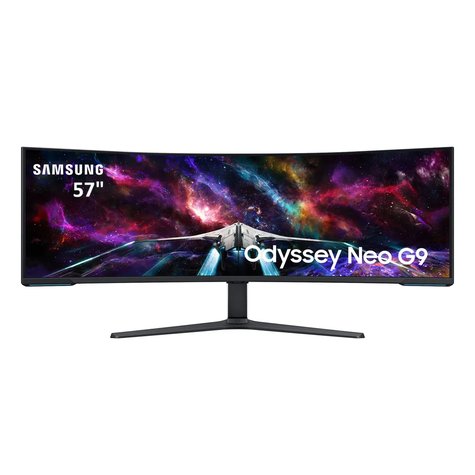
- شاشة ألعاب سامسونج أوديسي نيو G9 (57G9) منحنية فائقة العرض مقاس 57 بوصة، لوحة VA بمعدل تحديث 240 هرتز وزمن استجابة 1 ملي ثانية، تدعم HDR1000 ومنفذ HDMI 2.1 وDP 2.1
SAMSUNG حجم الشاشة (الفئة) 57 بوصة انحناء الشاشة 1000R الدقة 7,680 × 2,160 ميزة صورة داخل صورة (Picture-In-Picture) ميزة صورة بجانب صورة (Picture-By-Picture) 3 منافذ HDMI إصدار 2.1 منفذ DisplayPort إصدار 2.1 نوع اللوحة VA تقنية HDR1000 معدل تحديث 240 هرتز زمن استجابة 1 ملي ثانية
-
يباع من
pcstore
تصفح المنتجات الأخرى

- SKUsku_39_302
- الشحنالتوصيل العادي,
-
توصيل
يختلف بالنسبة للمنتجات المشحونة من دولة أخرى
التسليم في غضون 4 أيام عمل - الدولةالكويت
- أيام الارجاع0 يوم
تفاصيل
SAMSUNG
Features
Defy Reality. Conquer All.
Top 3 Features
The world’s first dual UHD monitor
Live in games that feel more real than the outside world. The world’s first dual UHD monitor wraps around you with a super-wide 57″ screen and 1000R curvature.
Spellbinding visual quality
The power of Quantum Mini-LED and HDR 1000 bring astounding levels of visual accuracy, definition and brightness. So even the smallest details feel real.
Electrifying Speed
One misstep can be the difference between victory and defeat. With a 240Hz refresh rate, 1ms response time(GtG) and FreeSync Premium Pro, prepare to win.
* For full DUHD and 240Hz support, the graphics card being used must support DP 2.1 (UHBR 13.5 and above) or HDMI 2.1 (FRL 12Gbps). Actual specifications and support may vary by graphics card.
A groundbreaking new visual experience
The world’s first dual UHD monitor
Gaming worlds feel more real. The 57″ DUHD resolution brings you a display as wide as two UHD monitors, with incredibly detailed, pin-sharp images and a wide field of view. See more of the action, and act with conviction knowing you won’t miss a thing.
Wrap yourself in adventure
1000R curved screen
Vivid scenes wrap even more tightly around you. Experience the next level of heart-pounding gaming with even more intensity. The 1000R 57-inch super ultra-wide display fills your peripheral vision and draws you into the character’s shoes.
Sharper visuals with densely packed pixels
140 PPI
Don’t sacrifice detail, even with a larger screen. More pixels per inch gives you the level of clarity you need to pick up on the small, but significant, details across the 57″ Odyssey Neo G9 screen.
* Image simulated for illustrative purposes.
The pinnacle of video visuals
Quantum Matrix Technology
An unrivaled visual experience. Revolutionary Quantum Matrix Technology with Quantum Mini LEDs creates controlled brightness and improved contrast for refined definition. 2,392 local dimming zones combine with the highest 12-bit black levels to create unmatched picture quality.
A monitor is divided into two sections to compare the amount of dimming zones between Edge LED and Quantum Mini-LED. On the left side, it reads \”Edge LED\” and the screen is divided into sections horizontally, saying \”10 Local dimming zone.\” The right side reads \”Quantum Mini-LED\” and shows the screen with many dots throuhgout the screen, reading \”2392 Local dimming zone.\” The dimming zones light up.The Odyssey Neo G9 turns 45 degrees and shows a horizon lit by a star from behind the planet, and space off to the left of the planet. Dots emerge from behind the monitor and flow light into the monitor, to represent the Quantum Mini LEDs that light the screen.
Catch the detail, defeat your enemies
VESA DisplayHDR 1000
See every detail in all its glory. From gloomy shadows to sun-scorched scenes, 1,000 nit peak brightness and 1,000,000:1 contrast ratio enable enhanced color expression and depth. Get a competitive edge by spotting enemies trying to hide in dark corners.
New levels of speed to give you the edge
240Hz & 1ms(GtG) with DP 2.1 input
Conquer every enemy with extreme speed. A 240Hz refresh rate reduces lag for ultra-smooth action. Game with precision with a 1ms response time(GtG), less blur, and minimized ghosting. All new DisplayPort 2.1 support provides the same blazing performance in DUHD with variable refresh rates.
*For the world’s first full DUHD and 240Hz ultra high performance support, the graphics card being used must support DP 2.1 (UHBR 13.5 and above) or HDMI 2.1 (FRL 12Gbps). Actual specifications and support may vary by graphics card. Please refer to your graphics card specifications for more details.
** “1 ms” means one milliseconds which is the range of avg. response time between 1.00ms to 1.99ms truncated to whole number.
*** Based on GtG measured under internal test conditions. Results may vary by content and monitor settings (requires ‘Extreme mode’ setting).
**** GtG (Gray to Gray) measures the time taken for a monitor pixel to change from one gray value to another.
Immerse yourself in smooth action without disruption
AMD FreeSync Premium Pro
Hyperfast action made seamless. Complex and fast-moving game scenes are projected smoothly and stutter-free with AMD FreeSync Premium Pro to power your competitive edge.
*Image simulated for illustrative purposes.
**AMD FreeSync Premium Pro is supported by Radeon Rx 200 graphic cards and subsequent models.
Your station your way
Connect more to enjoy more
Versatile connectivity
Tap into a multitude of input options. DisplayPort 2.1, HDMI 2.1 and USB Hub let you hook up to your favorite devices to elevate your game with no mess.
Make the most of every moment
Picture-by-Picture
Game, watch, chat—all at the same time. With PBP, view video, picture or data from two sources simultaneously in their native resolution. Use PIP to resize the second source to up to 25% of the screen.
Designed to magnify your immersion
CoreSync & Core Lighting+
Enhance the space around your screen. With CoreSync technology, a game’s on-screen colors are projected into your real world to further immerse you into the setting. With new Core Lighting+, add amazing color to your setup for an instant vibe shift.
A closeup of the back of an Odyssey monitor is shown and a rainbow ring of lighting rotating clockwise.
Extend winning streaks in comfort
Ergonomic Stand
Find your winning position. Swivel, tilt, and adjust the height until you’re set up for victory. Fully compatible with VESA-standard monitor arms, the screen can be moved effortlessly to your ideal position.
ربما يعجبك أيضا من متاجر أخرى
low profile ID Cooling IS-67XT 6 Heat Pipes
- 64.67 USD

Thermal Grizzly Duronaut
- 40.42 USD
EVGA GTX 1080Ti 11GB
- 145.52 USD
ASUS TUF RTX 3080 10GB
- 323.37 USD
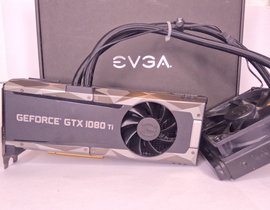
EVGA GTX 1080TI 11GB
- 161.69 USD
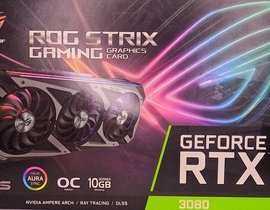
ASUS ROG STRIX RTX 3080 10GB
- 371.88 USD
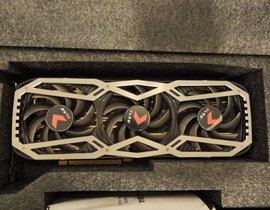
PNY XLR8 RTX 3080 10GB
- 339.54 USD
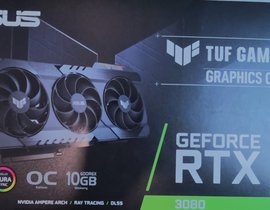
ASUS TUF RTX 3080 10GB
- 355.71 USD
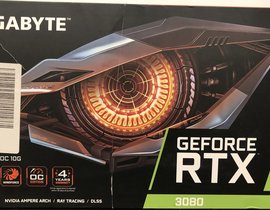
GIGABYTE RTX 3080 10GB (مستعمل مثل جديد)
- 339.54 USD
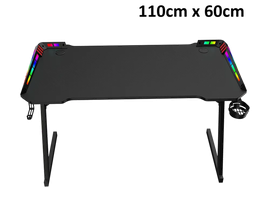
إكسترايك DK-05 – مكتب ألعاب بتصميم Z وإضاءة RGB، مقاس 110 سم، أسود
- 151.99 USD